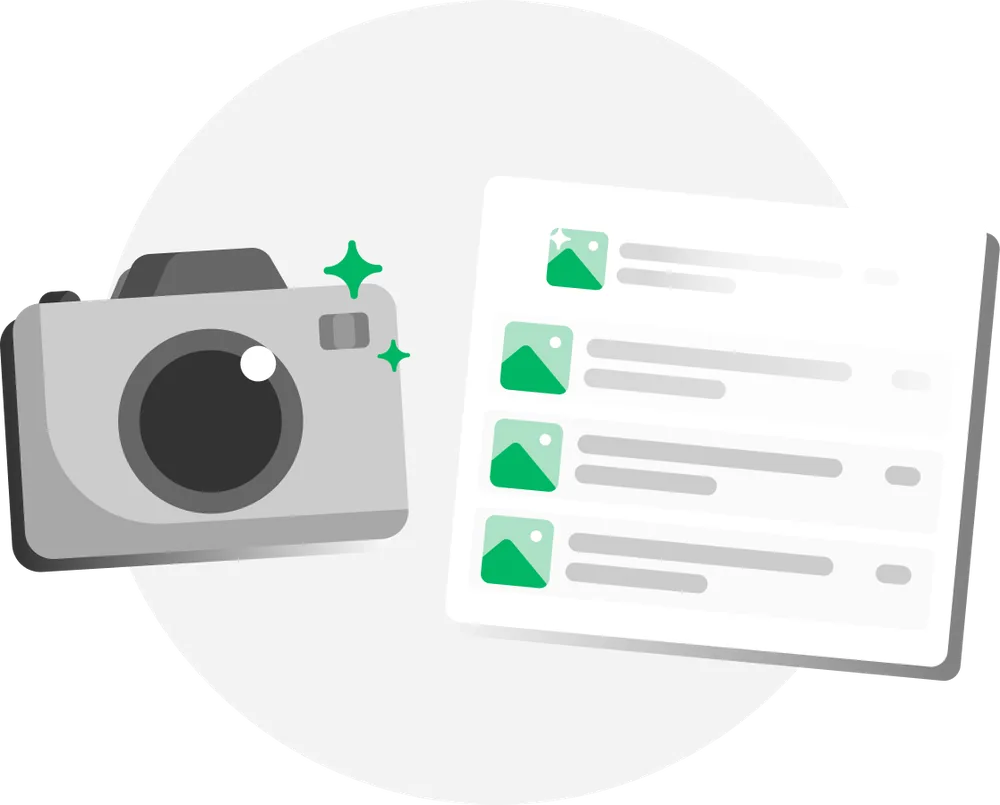
Generate titles and descriptionsin seconds
Automation and generative AI handle the tedious parts of cataloging:
- Writing titles and descriptions
- Naming and resizing images
- Automatic background removal

AuctionWriter is the end-to-end cataloging platform built for auctioneers – snap photos in the field, let AI draft titles and descriptions, review everything in a spreadsheet view, and export straight to 18+ auction platforms.
Supports 48 languages and 18 currencies
















Catalog more lots in less time with automation and AI that handle the busywork.

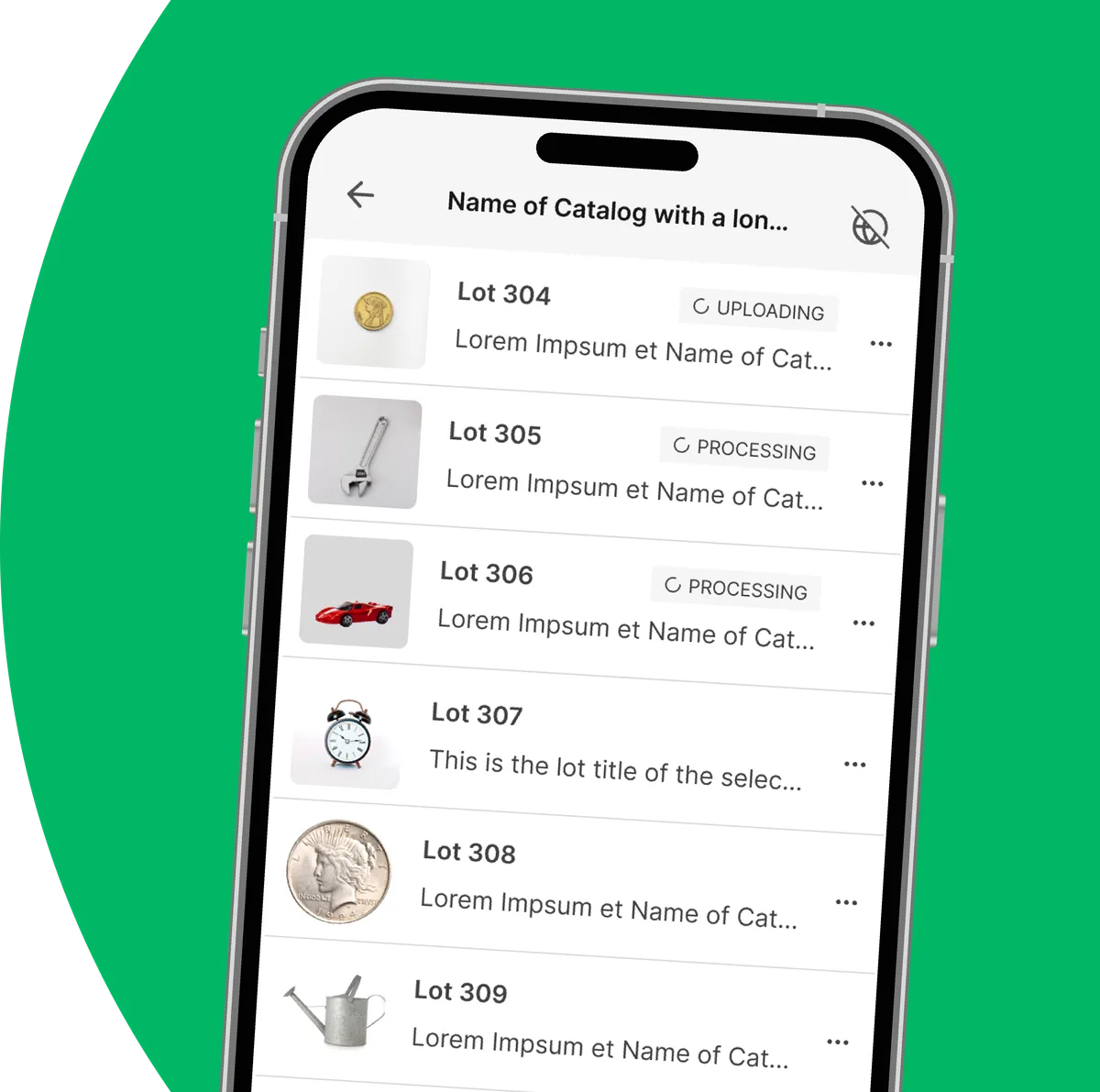
Work uninterrupted on mobile devices. Sync in real time, or whenever you're back online.
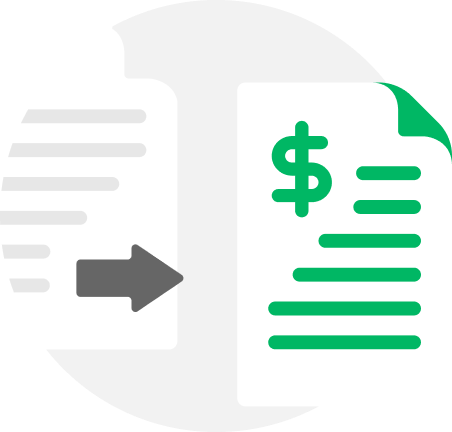
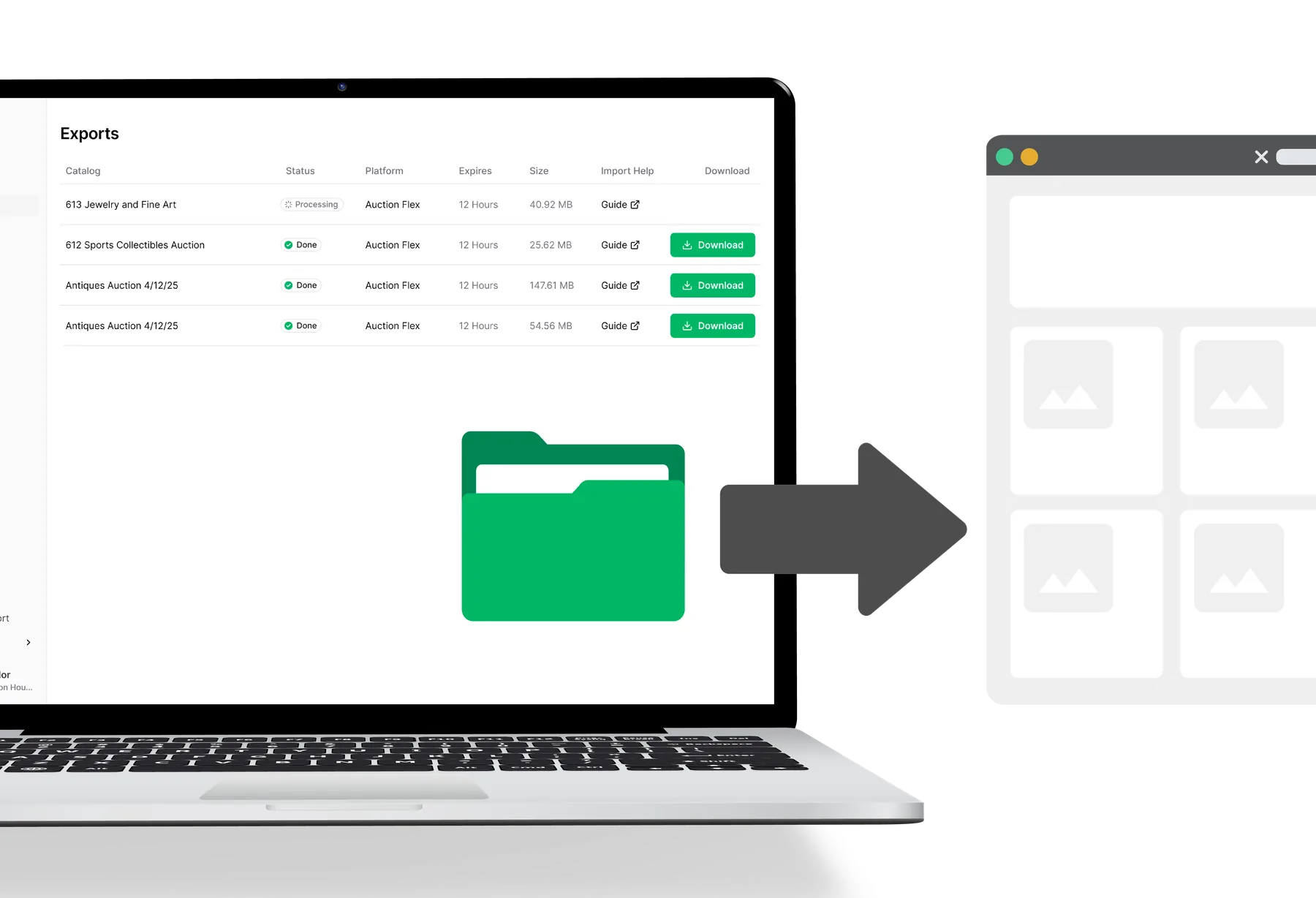
One click generates your data files and renames every image to match your marketplace or website.
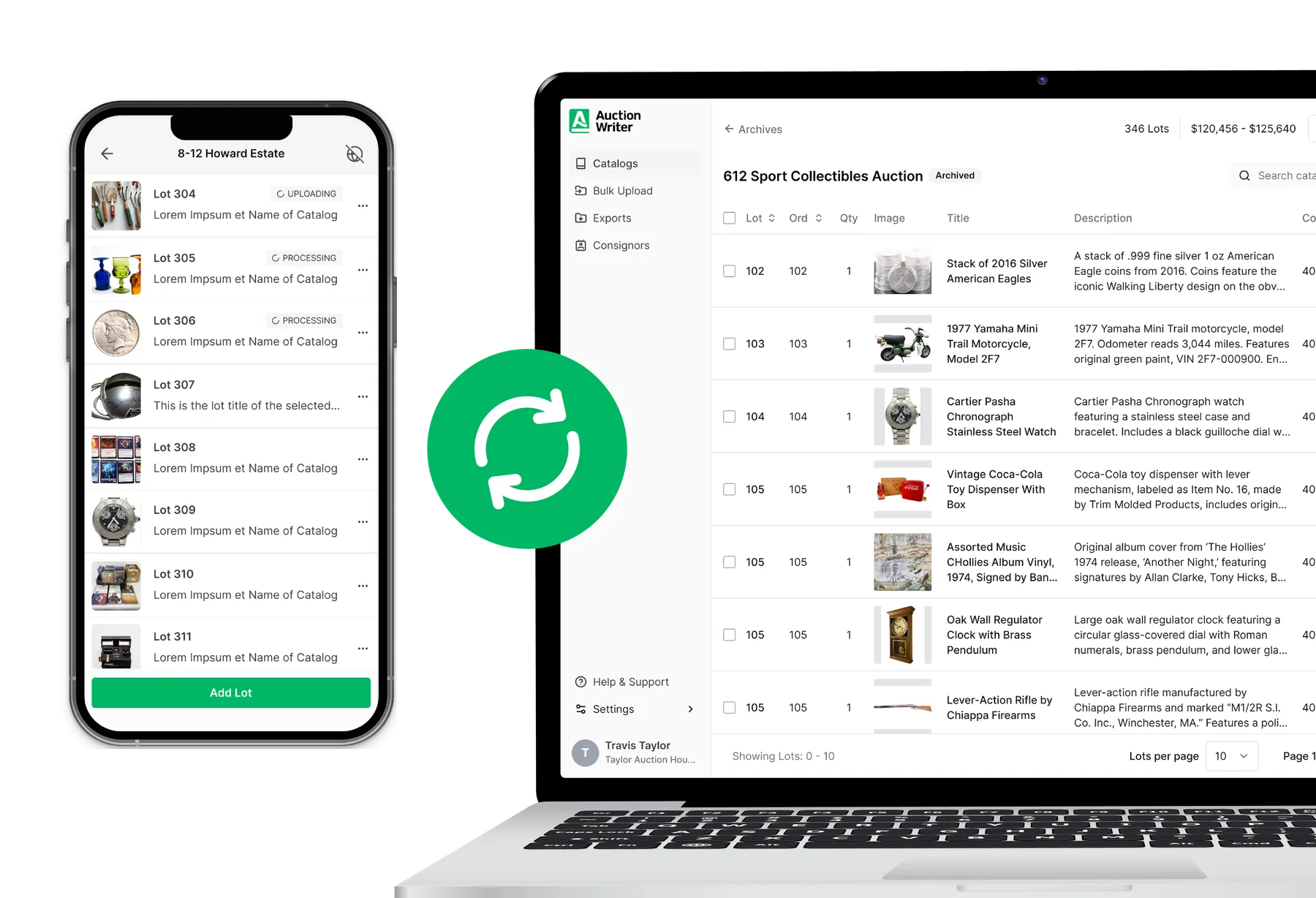
Automation and generative AI handle the tedious parts of cataloging:

Experience uninterrupted cataloging, even in remote locations.
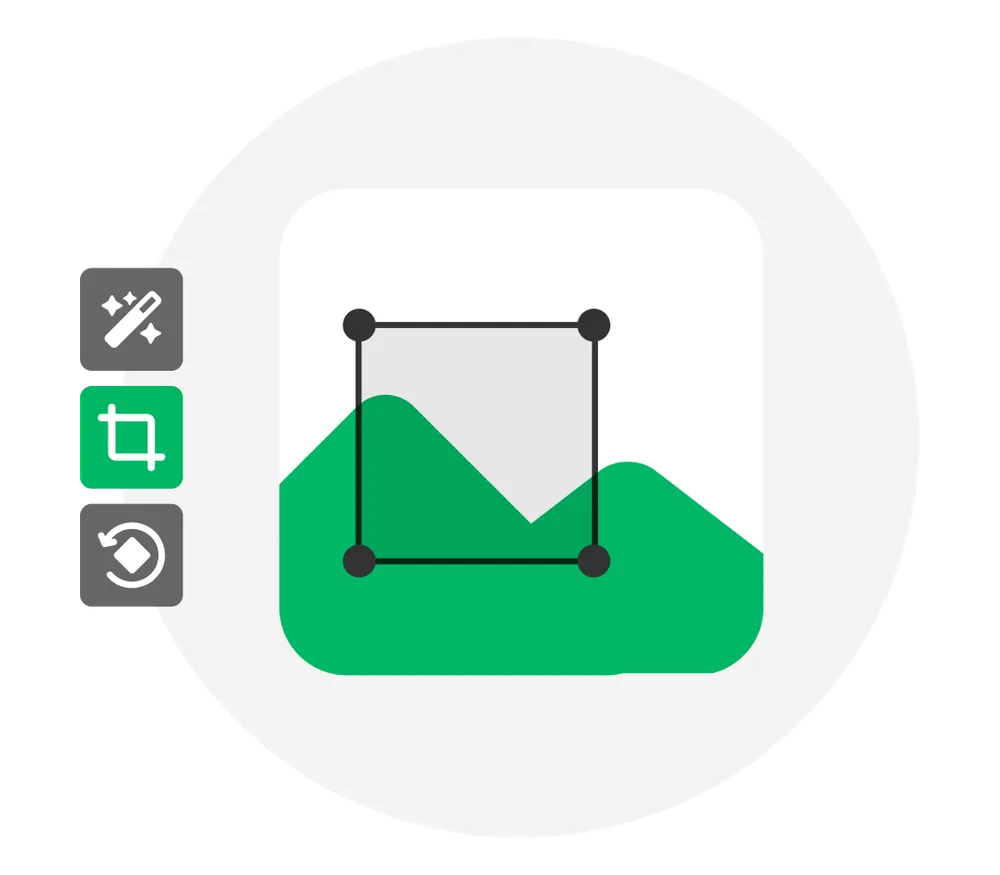
Add, remove, rearrange, and perfect your lot images with features like:
Download catalogs for your preferred listing platform, auction marketplace, or personal site with one click.
Try for free today!
No credit card required
Built for auctioneers
From estate sales to industrial liquidations, AuctionWriter adapts to the way your auctions actually run.
Household goods, furniture, and full estate liquidations.
Coins, memorabilia, vintage finds, and rare pieces.
Machinery, surplus inventory, and facility assets.
Tractors, implements, and agricultural inventory.
Fine art, watches, jewelry, and high-value lots.
Fundraisers, galas, and nonprofit auction events.
Selling something else? AuctionWriter still works – flexible catalogs, custom fields, and exports that fit your niche.
Automate repetitive tasks so you can get back to selling.
Delegate tasks and work together in real time. Focus on the data that matters to you.

Invite team members, control which catalogs they see, and track the creator of each lot.
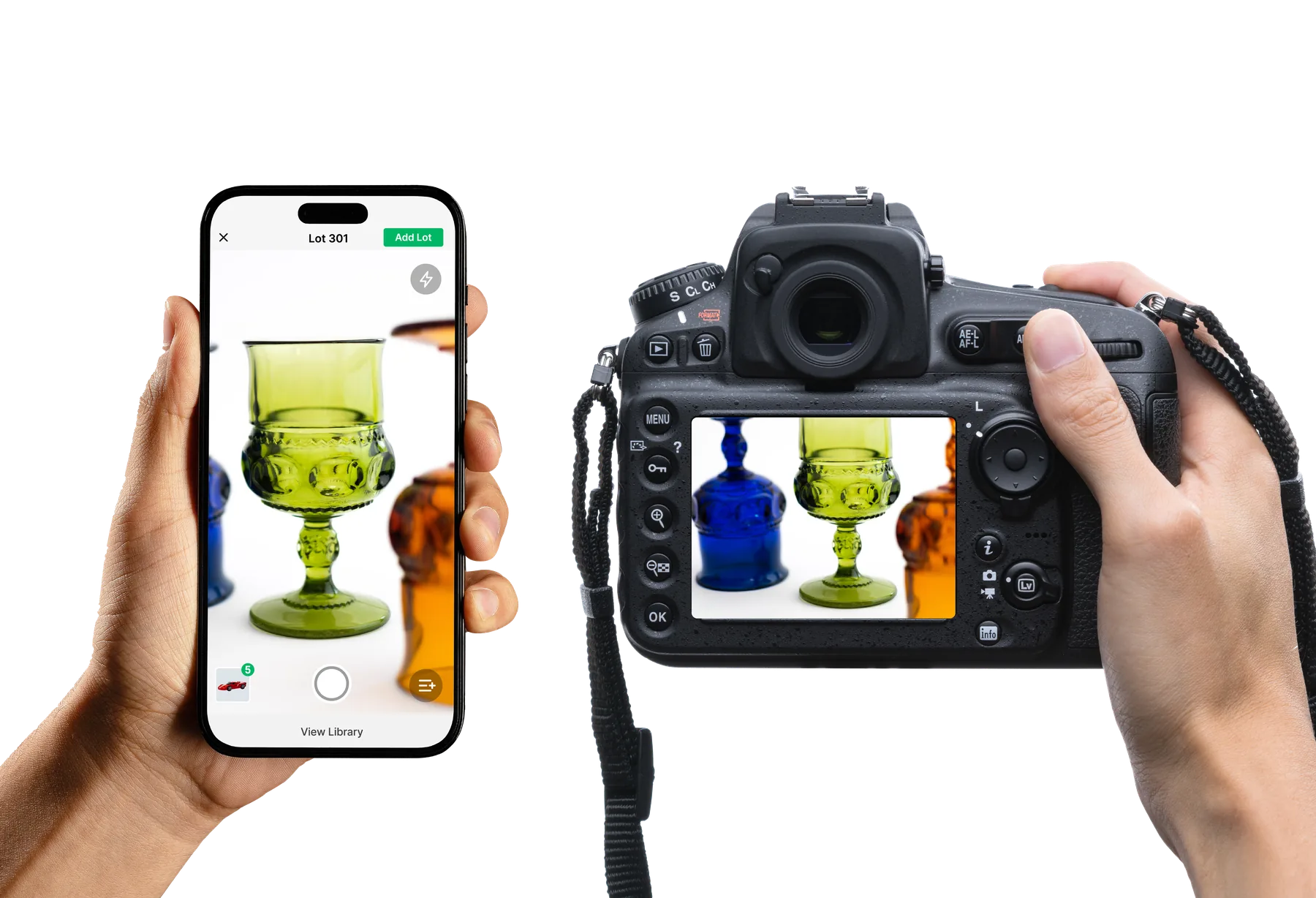
Catalog from multiple devices at once, online or off – field staff capture photos on mobile while the office reviews lots on desktop.
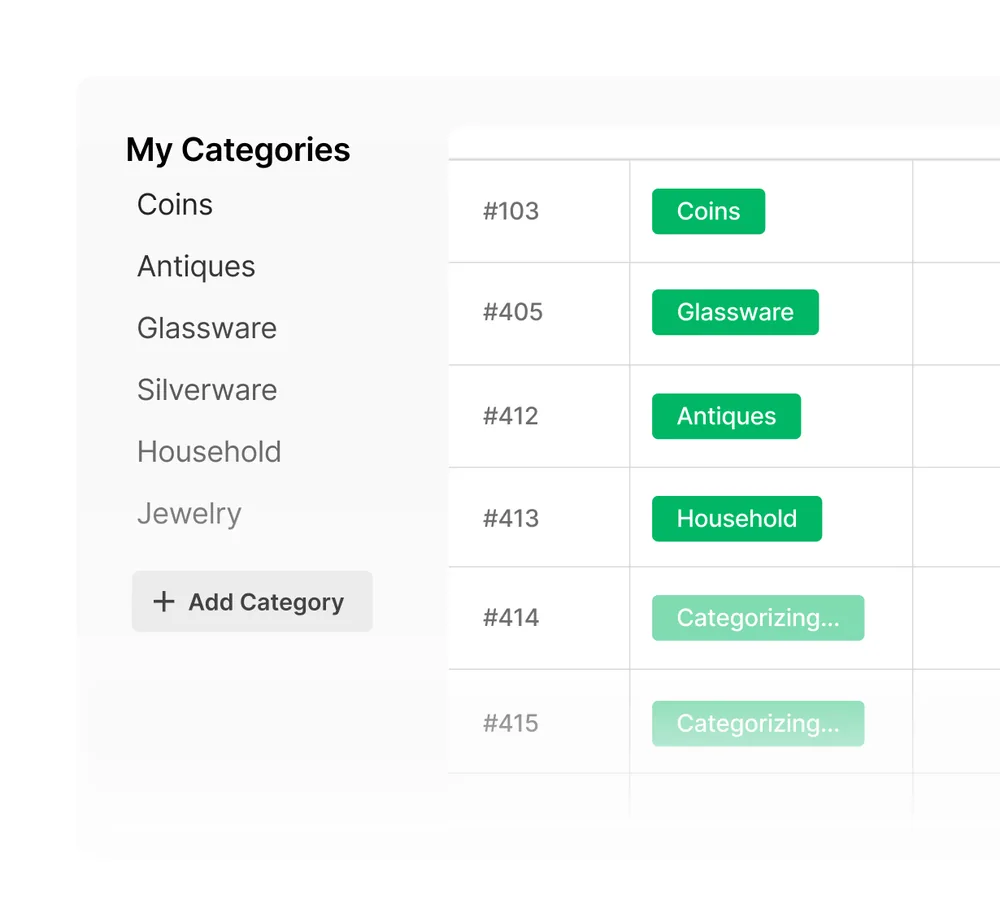
Define custom fields, custom formats, and instructions so every catalog stays consistent, no matter who's entering the data.
Add unlimited data fields and build export templates that integrate with any marketplace or internal workflow.
AuctionWriter takes you from item photos to a finished catalog. Upload photos of a lot and AI instantly generates a title, detailed description, and estimated value. You can fine-tune results with regeneration, built-in and custom description formats, automatic background removal, lot number detection from tag photos, and more – dramatically cutting the time it takes to build your catalog.
If the initial results don't meet your expectations, add pertinent information to the Details for AI box – things like make, model, size, weight, condition, or markings. Our AI treats these details as authoritative and uses them to generate more accurate titles, descriptions, and valuations. We highly recommend this for difficult items such as jewelry and firearms. You can also hit regenerate to get a fresh result. For global rules – like removing unwanted words such as "Vintage" or "Antique," or adding a sentence to the end of every description – use Custom Instructions under Settings → Format. There you can also set title and description lengths, choose or create description formats, adjust estimates, and set your language and currency.
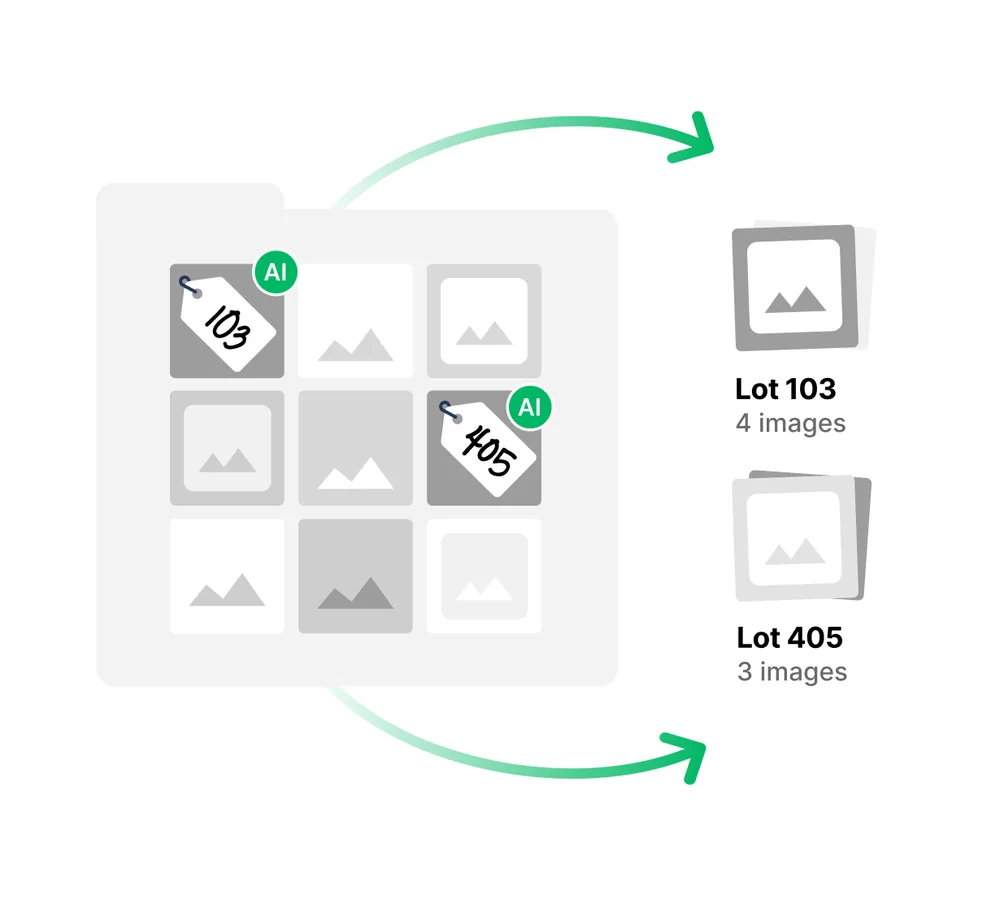
Bulk Upload is the fastest way to catalog an entire auction. Photograph your whole sale (or dump your camera's memory card), then drag-and-drop all of your images at once. AuctionWriter splits them into lots automatically using one of two methods: filename numbering (e.g., 12-1.jpg, 12-2.jpg) or lot tag photos – just include a photo of the lot's number tag and our AI reads it and groups the images for you. Before anything is generated, you'll see a review board where you can fix lot numbers, move images between lots, and add details. Once you confirm, our system queues everything and the AI writes your entire catalog in the background – no waiting between lots. Bulk Upload is available on all paid plans.
Each lot supports up to 30 images. With Bulk Upload you can add thousands of images at once, and AuctionWriter groups them into lots for you.
Yes. AuctionWriter exports directly to all popular auction platforms, including Auction Flex / HiBid, Wavebid, LiveAuctioneers, Proxibid, Invaluable, BidWrangler, AuctionNinja, BidSpirit, AuctionWorx, Maxanet, and more – plus a universal format that works anywhere. Exports include your data and optionally your images. If you don't see your platform listed, reach out to our team and we may be able to add it.
Yes! AuctionWriter now has native apps for iPhone, iPad, and Android, featuring a custom cataloging camera built for the auction floor and an offline mode so you can keep working without an internet connection – everything syncs automatically when you're back online. AuctionWriter is also a full web app, so you can log in from any browser on any device. Your catalogs stay in sync across all of them.
Yes! AuctionWriter is built for teams. Every plan includes multiple team seats, and each team member gets their own login with a role – Owner, Manager, or Cataloger – so your whole crew can catalog simultaneously from their own devices. You can even invite outside consignors or contract catalogers as Affiliates, who only see the lots they work on. Need more seats? They're available on higher plans or as add-ons.
Have more questions? Contact Us
Included with every plan – no extra cost
Capture lots on-site with mobile tools that work even without Wi-Fi, and sync to the cloud when you're ready.