Custom Formats
Set the structure and required details so every AI draft matches your house style.


Catalog Management
Edit lots, customize views, reorder sales, and export on your terms – everything you need to keep catalogs organized and bidder-ready.
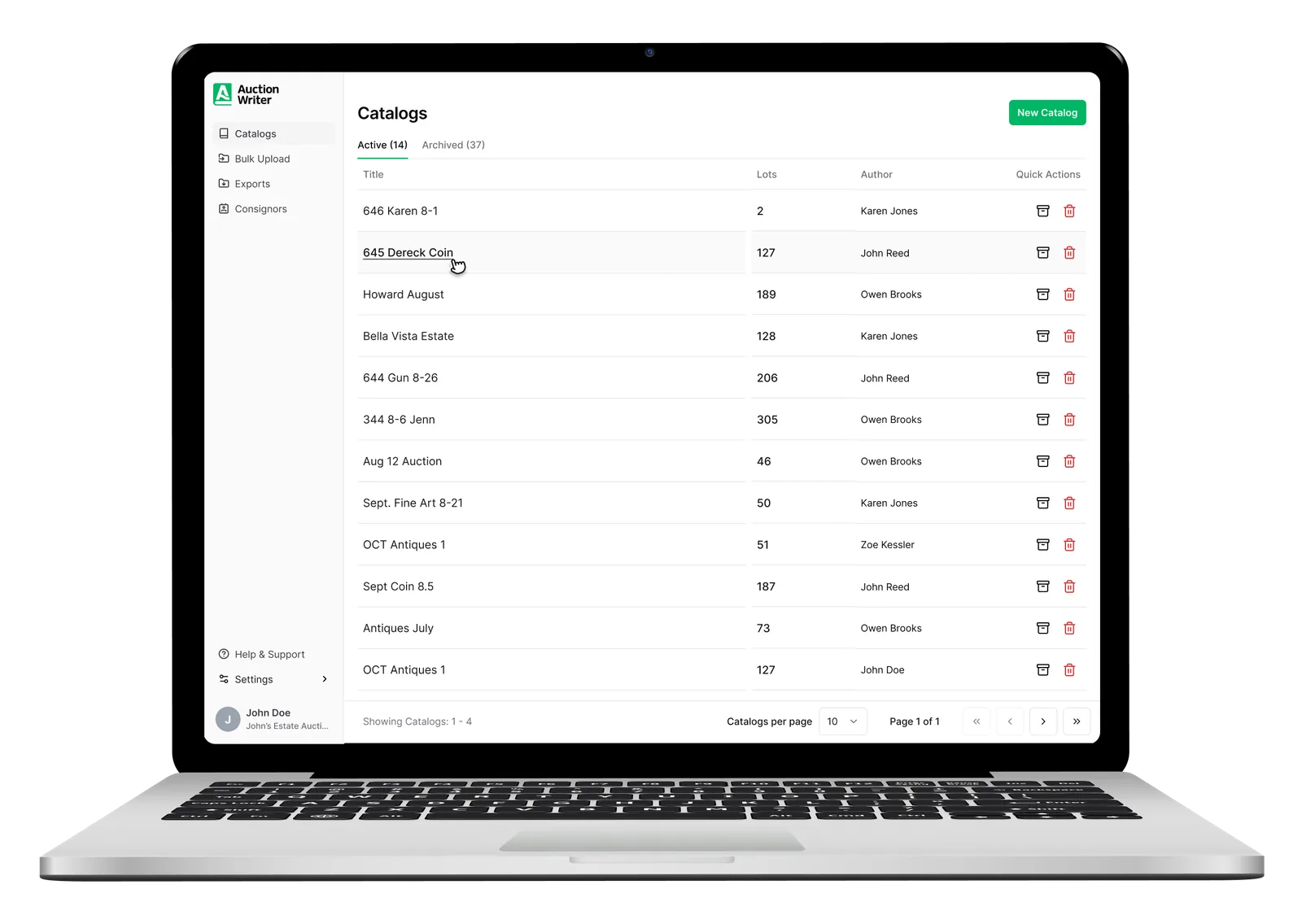
Update lots in seconds – individually or in bulk – without breaking your cataloging flow.
Edit lot data
Titles, estimates, consignors – edit any field, any time.
Multi-select
Select dozens of lots at once and move, reassign, or delete them in one action.
Quick actions
Duplicate a lot, send it to another catalog, or swap its consignor in a single click.
Edit photos in-app
Crop, rotate, and tweak images without leaving the lot page.
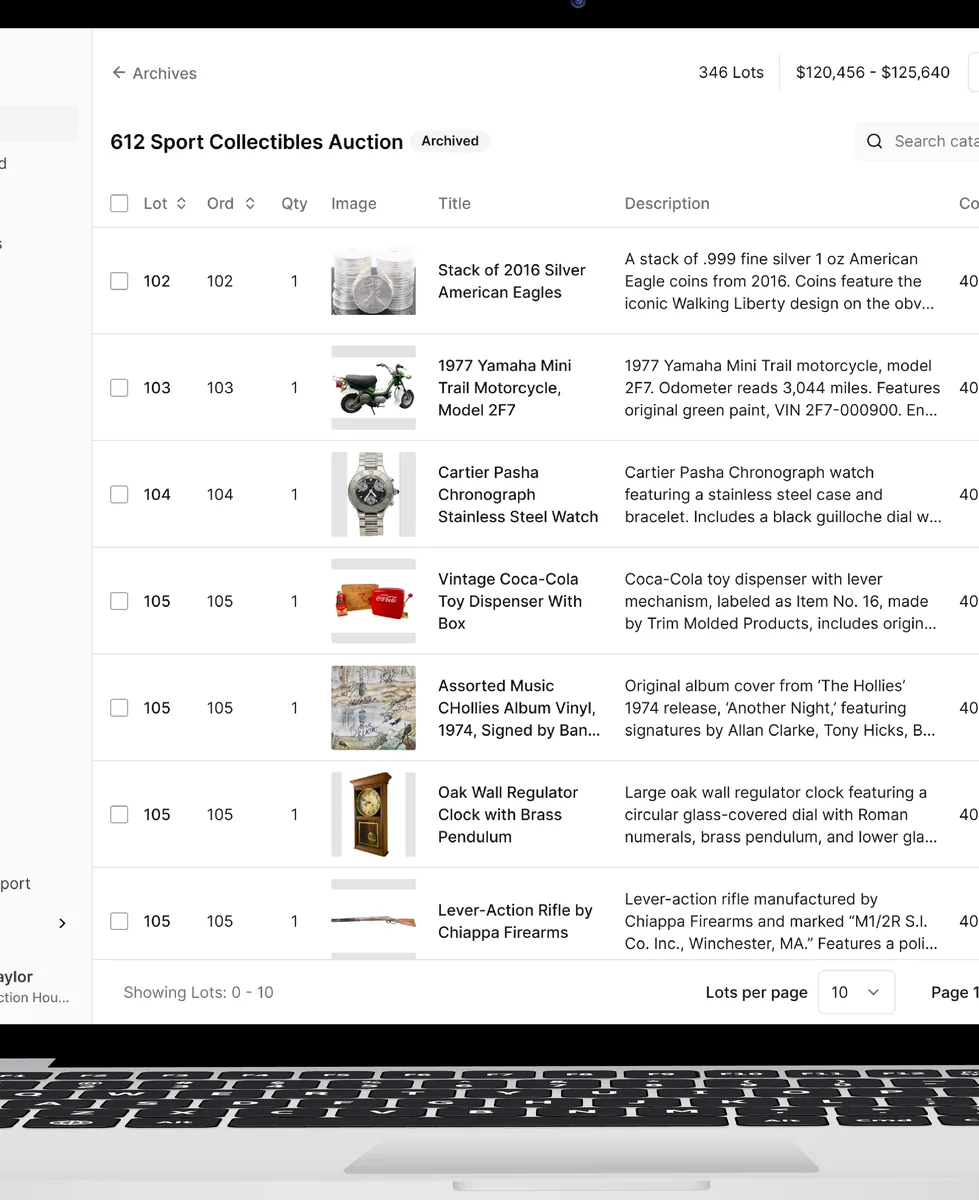
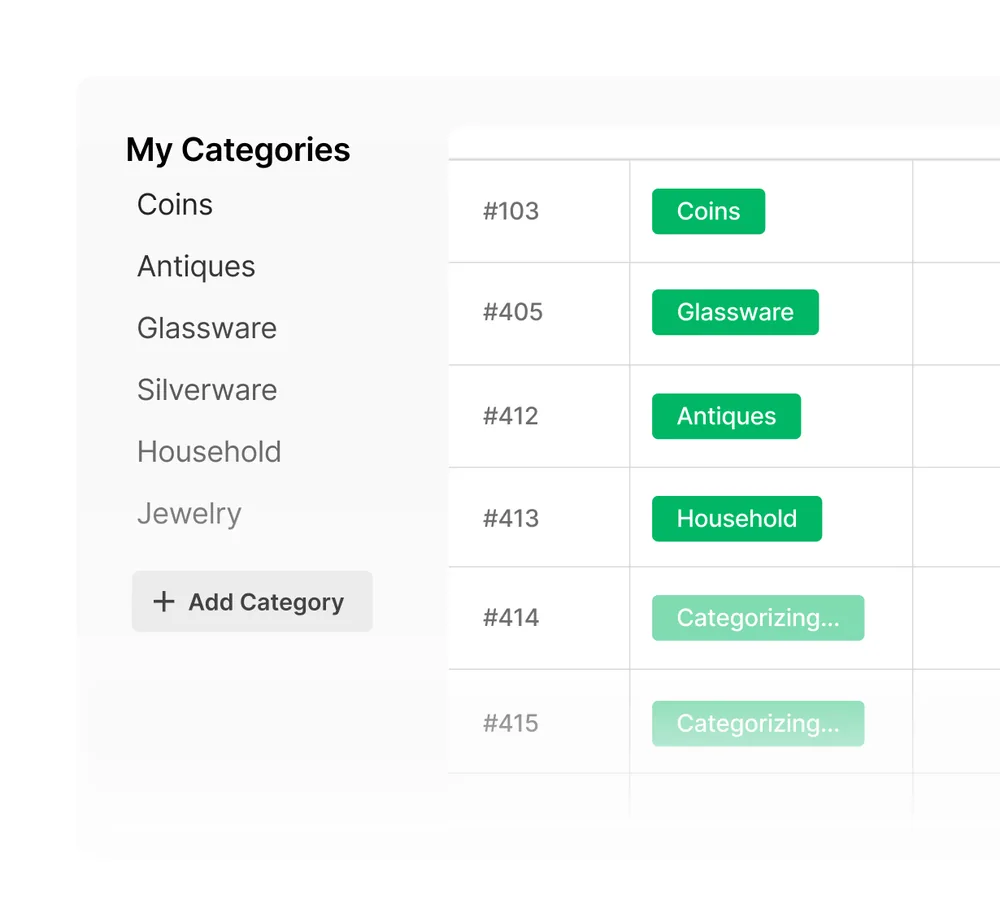
Tailor what you see so reviews stay fast – whether you're checking estimates or prepping a printout.
Find any lot fast, then reshape sale order to keep bidders engaged from first hammer to last.
Drag & drop
Rearrange lots and the numbering updates automatically.
Smart search
Find by lot number, consignor name, or any keyword – instantly.
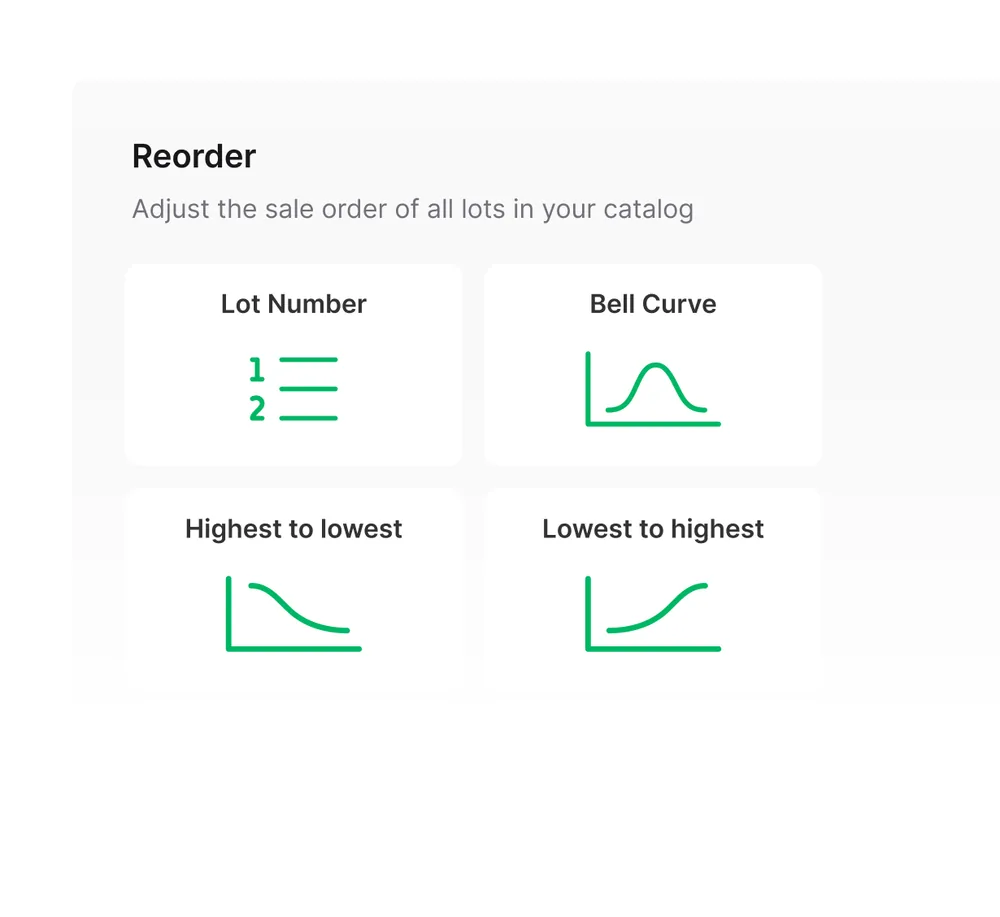
One-click reordering
Reassign sale order of your entire catalog in one click to maximize bidder engagement.
Shape how catalogs are written, tracked, and delivered to match your house style.
Set the structure and required details so every AI draft matches your house style.
Add custom columns to track any manual data you need alongside standard lot fields.
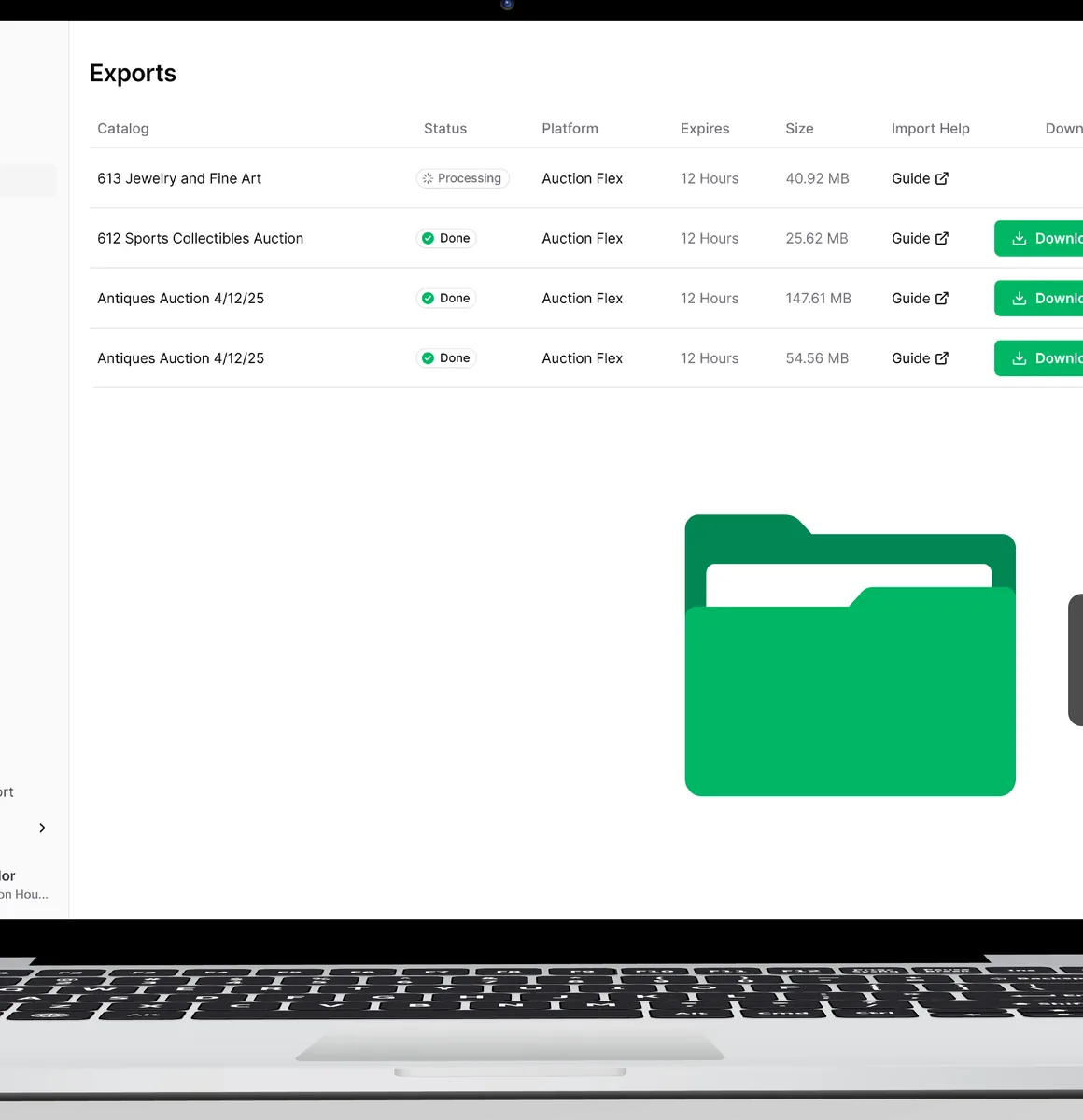
Drag-and-drop fields – default and custom – into your own export template.